Physical Address
304 North Cardinal St.
Dorchester Center, MA 02124
Physical Address
304 North Cardinal St.
Dorchester Center, MA 02124

Many Windows users encounter a frustrating error in the Microsoft Store that says:
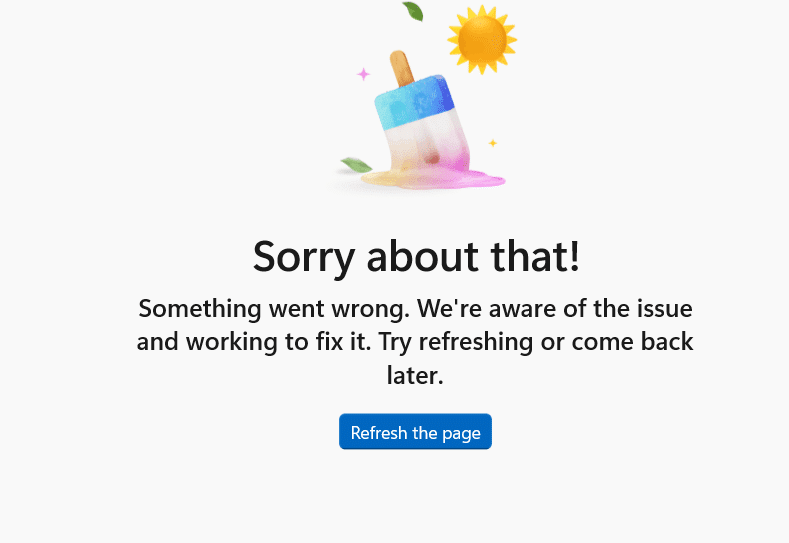
“Sorry about that! Something went wrong, but we’re fixing it. Try to update or come back later.”
This message can appear while:
In some cases, the Store becomes completely unusable.
The issue is usually caused by:
Sometimes the error is temporary and caused by server-side problems from Microsoft.
Users experiencing this issue often report:
This sounds basic, but temporary Store processes often get stuck.
A full restart refreshes:
Windows includes a built-in cache reset tool.
Windows + Rwsreset.exeA blank Command Prompt window will open briefly, then Microsoft Store should restart automatically.
This clears corrupted Store cache without deleting apps.
Outdated Windows versions often break Store functionality.
Then:
Sometimes account authentication becomes corrupted.
This refreshes Store account sync.
Resetting may remove Store preferences but often fixes persistent issues.
Incorrect system settings can prevent Store authentication.
Windows includes an automatic diagnostic tool.
Run:
It may automatically repair common problems.
If the Store is badly corrupted:
Get-AppxPackage -allusers Microsoft.WindowsStore | Foreach {Add-AppxPackage -DisableDevelopmentMode -Register "$($_.InstallLocation)\AppXManifest.xml"}This reinstalls core Microsoft Store components.
Sometimes Store errors are network-related.
Try:
If many users are reporting the same issue simultaneously, the problem may be:
In such cases, waiting a few hours may resolve it automatically.
These rarely solve the root cause.
