Arc Raiders Voice Chat Not Working on PS5, Xbox, or PC? Here’s How to Fix Party and Proximity Chat

Voice communication is essential in a game like ArcRaiders, where coordination can determine whether your squad survives a raid or wipes early. However, many players across PS5, Xbox, and PC are reporting issues with party chat and proximity chat not working properly.

If you can hear others but they cannot hear you — or your HUD shows you as muted when you’re not — this guide covers all known fixes that are currently working for players.
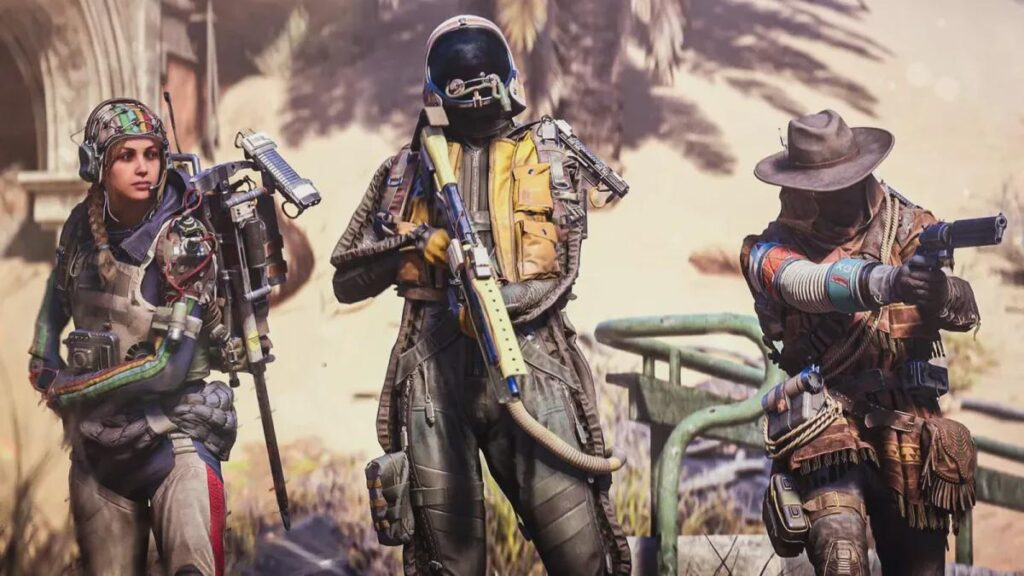
Arc Raiders Voice Chat Not Working 2026,

Arc Raiders Voice Chat Bug: What’s Happening?

Players are reporting several common issues:

  • Party chat not working, but proximity chat works (or vice versa)
  • Mic works in other games, but not in Arc Raiders
  • Voice chat icons show muted status even when mic is enabled
  • Teammates cannot hear you, even though you’re unmuted
  • Voice worked during first raid, then stopped

Many users also mention that similar console voice chat issues appeared during earlier tech tests and may not have been fully resolved.

Below are the most reliable fixes reported by the community.


Fix 1: Turn Crossplay Back On (PS5 & Console)

If your party chat isn’t working but proximity chat is, try enabling crossplay.

Several players found that:

  1. Turning crossplay ON immediately restored voice chat.
  2. Disabling crossplay may cause voice chat to break again.

Even if you normally prefer crossplay off, turning it on appears to resolve the voice routing issue in many cases.


Fix 2: PS5 Game Base Voice Chat Settings

On PS5, the issue may not be inside Arc Raiders at all — it could be a system-level voice setting.

Follow these steps carefully:

  1. Press the PS button in the middle of your controller.
  2. Scroll to the bottom row and select “Game Base.”
  3. Press the Options button (three lines) and choose “Go to Game Base.”
  4. Navigate past Friends, Parties, and Messages to the far-right icon (two lines with circles).
  5. Select “Voice Chat Settings.”
  6. Make sure “Mute Game Voice Chat” is turned OFF.
  7. Under “Share Your Voice,” select “Allow.”

Several players confirmed this immediately fixed both party and proximity chat on PS5.

If you’ve tried everything in-game and nothing worked, this is the most important setting to check.


Fix 3: Xbox Party Toggle Trick

On Xbox, a strange but effective workaround has helped players:

  1. Start an Xbox Party through the Xbox UI.
  2. Toggle game chat ON inside the party.
  3. Return to Arc Raiders.

In some cases, this needs to be toggled more than once. This bug has reportedly appeared in other crossplay games as well.

If voice doesn’t work immediately, try restarting the party and repeating the toggle.


Fix 4: PC Fix – Disable IPv6

For PC players, one Steam user shared a working fix involving network settings.

Disabling IPv6 in Windows may resolve voice chat routing issues.

How to Disable IPv6 in Windows 10:

  1. Go to Settings.
  2. Select Network & Internet.
  3. Click Status.
  4. Choose Advanced network settings.
  5. Click Change adapter options.
  6. Right-click your active network connection.
  7. Select Properties.
  8. Uncheck “Internet Protocol Version 6 (TCP/IPv6).”
  9. Click OK.
  10. Restart your game (or reboot your PC for safety).

After doing this, players reported:

  • Voice chat started working again.
  • Distance indicators for teammates reappeared.
  • Voice HUD behaved normally.

Why Is This Happening?

While there’s no official technical explanation yet, the issue appears related to:

  • Crossplay voice routing conflicts
  • Console-level voice permissions
  • Network protocol conflicts (IPv6 on PC)
  • Voice chat service syncing issues

Because Arc Raiders relies heavily on squad coordination, voice issues are particularly frustrating and game-breaking.


What to Do If Nothing Works

If none of these fixes solve the problem:

  • Restart your console or PC completely.
  • Reboot your router.
  • Test your mic in system settings (not just other games).
  • Reinstall the game as a last resort.
  • Submit a bug report to the developer.

The more players report the issue, the faster it’s likely to be addressed.


Final Thoughts

Voice communication is critical in Arc Raiders. If you’re experiencing proximity chat or party chat issues:

  • Enable crossplay.
  • Check PS5 Game Base voice settings.
  • Toggle Xbox party chat.
  • Disable IPv6 on PC.

These are currently the most reliable community-verified solutions.

Newsletter Updates

Enter your email address below and subscribe to our newsletter

Leave a Reply

Your email address will not be published. Required fields are marked *
