Physical Address
304 North Cardinal St.
Dorchester Center, MA 02124
Physical Address
304 North Cardinal St.
Dorchester Center, MA 02124

If you’ve clicked a Facebook Marketplace link and it didn’t open — or showed an error like “This page isn’t available right now” or the link is not clickable, then you’re not alone. Many users report Marketplace links working on desktop but failing on mobile, especially inside the Facebook app.
In this guide, we’ll explain why Facebook Marketplace links stop working and provide step-by-step fixes that actually solve the problem.
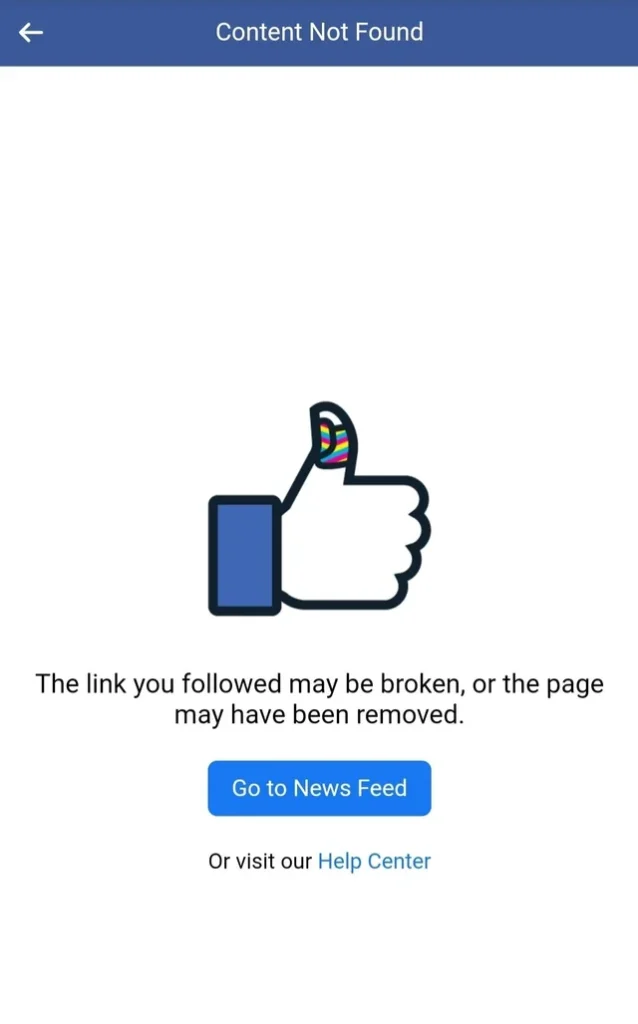
Users typically experience one of the following:
These issues are more common on Android, but iPhone users also report them.
Facebook uses its own internal browser when you click links inside the app. This in-app browser is known to:
Often, the Marketplace listing is still live — the problem is how the Facebook app loads it.
If the seller:
You may see:
“This content isn’t available right now.”
Marketplace links stop working immediately once a listing is removed.
Marketplace listings are location-based. If:
The link may fail.
Check your Marketplace location settings inside Facebook.
Corrupted cache is a very common cause.
Many users report this instantly fixes broken Marketplace links.
Android sometimes routes Facebook links incorrectly.
This forces Marketplace links to open correctly in browser.
If Marketplace link fails inside Facebook:
If it opens there, the issue is Facebook’s internal browser.
You can also enable:
Facebook Settings → Media/Preferences → Open Links in External Browser
This often fixes link issues permanently.