Physical Address
304 North Cardinal St.
Dorchester Center, MA 02124
Physical Address
304 North Cardinal St.
Dorchester Center, MA 02124

If you’re playing Marathon and your mouse suddenly stops working in menus — you’re not alone.
Many players report that:
For some, this issue even appeared during earlier alpha tests.
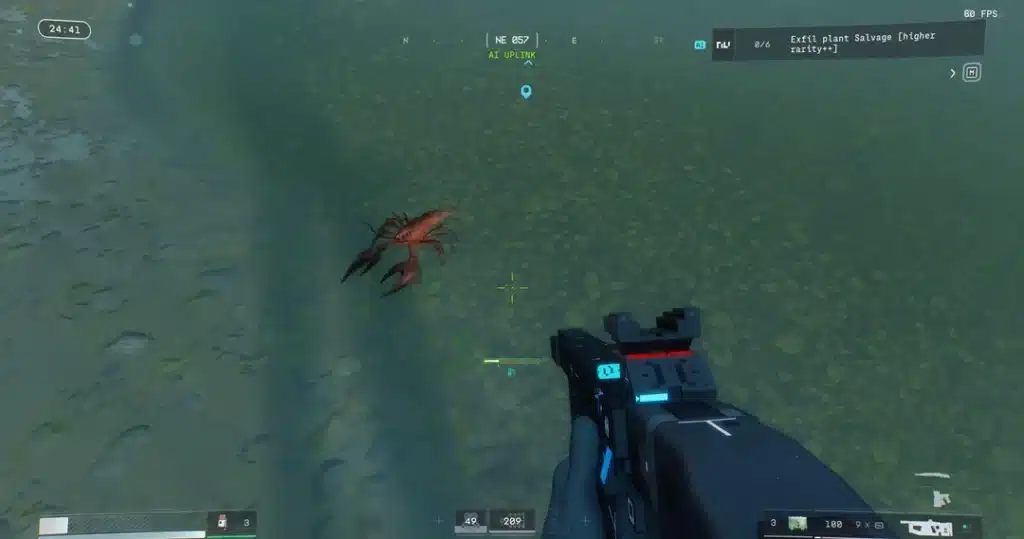
If your game feels “playable but broken,” this guide explains what’s happening — and what actually fixes it.
Based on community reports, the problem appears to be related to:
It does not appear to be a hardware issue in most cases.
The game itself runs fine — but menu UI input becomes unstable or laggy.
Here are the solutions players say fixed the problem.
This is the most confirmed fix.
Many players reported the mouse immediately started working normally.
If you don’t want to close Discord:
Then restart the game.
Overlay conflicts appear to interfere with Marathon’s UI input system.
Some players specifically fixed it by:
Clipping software hooks into game input — which can cause mouse lag in menus.
Press:
Alt + Enter
This toggles between fullscreen and windowed mode.
For some players, switching to windowed mode instantly resolved the menu cursor issue.
Marathon uses a different input handling layer for:
When overlay software injects itself into the game:
This is why you can move and aim fine, but menus freeze.
Yes. Players mention:
While frustrating, it appears to be a software conflict rather than a fundamental game-breaking bug.
Try:
Most reports point to Discord as the primary cause.
If Marathon mouse input stops working in menus:
✔ Close Discord
✔ Disable Discord overlay
✔ Turn off clipping
✔ Switch to windowed mode
Once Discord interference is removed, menus become usable again.
